This guide explains how to create fully branded QR codes in TickX IQ that link directly to purchase or survey flows. It walks you through generating a QR code, customising frames, colours, text, logos, and UTM parameters, and downloading the code in JPEG, PNG, or SVG formats. You’ll learn how to use QR codes across out-of-home marketing such as venue signage, partner leaflets, and promotional banners, and how to track scans and sales directly within TickX IQ to measure performance.
TickX IQ has the tools to create unique branded QR codes, which link directly to purchase flows, so you can track scans, clicks and sales.
Creating QR Codes
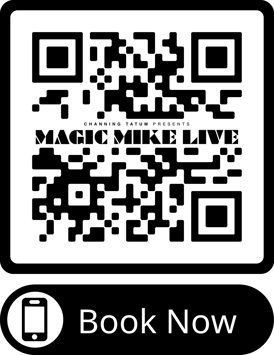
You can generate QR codes from both our Purchase & Survey Flows. Once you have created and saved your flow click '+ Add QR code' to generate: 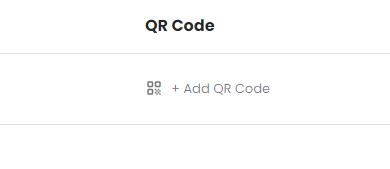
- Customise your QR code
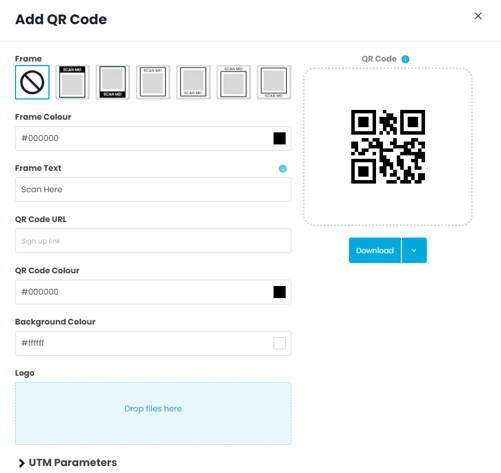
- We have a number of different frames which you can select to surround your QR code
- The text & colour of the frame is fully customisable
- Survey Only - Add QR Code URL (On Purchase Flows - this will automate from the flow URL saved)
- Set QR Code & Background Colour - fully customisable
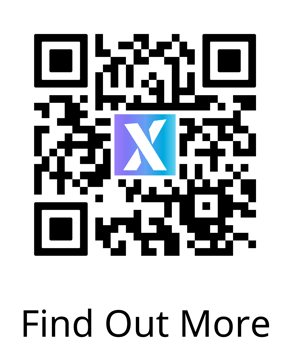
- Add Logo - this will create an image in the centre of the QR code
- Add UTM parameters - if you would like to track certain parameters associated with the QR code
- Download - you can save the code as a JPEG, PNG or SVG
Using QR Codes
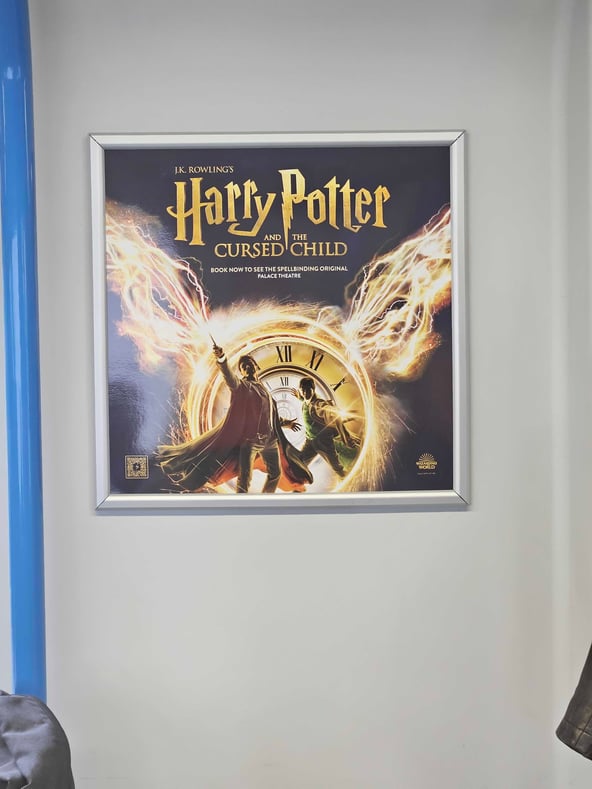
Now you have your QR codes generated - you can utilise these on your out of home marketing. Some examples of this are:
You can track how many scans your QR code generates on the flow page: 
Examples
Our clients have used these for a variety of purposes including:
- Embedding on out of home banners
- Adding to partner restaurant leaftlets
- Adding outside the venue to encourage customers to book online rather than queue.
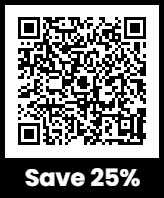
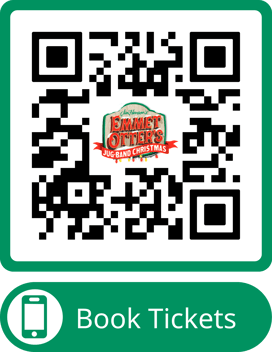
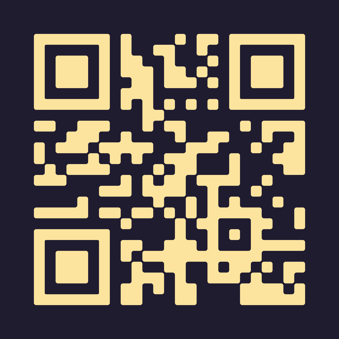
You can see some examples below, including the different branded elements.