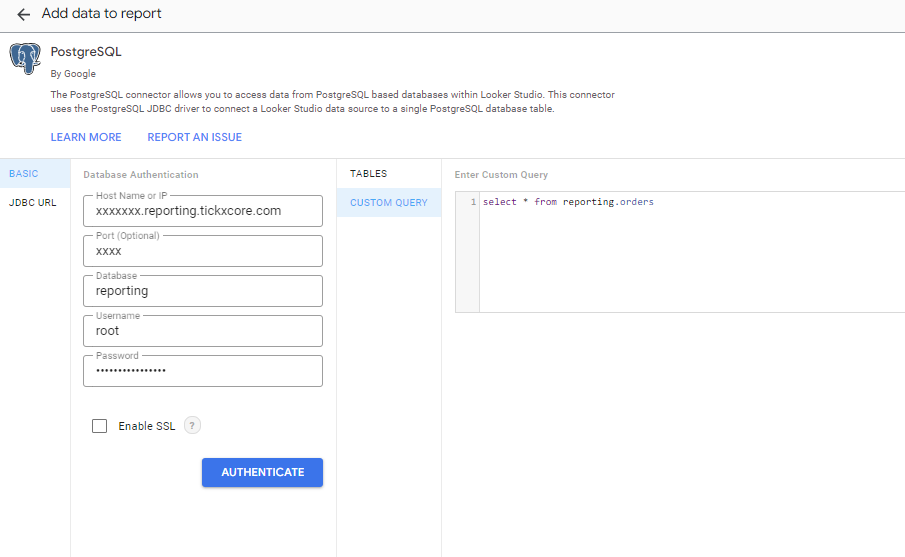
Learn how to set up the TickX Data Connector to access your data in any BI tool, including Looker Data Studio. Includes setup steps, credential guidance, and the correct SQL query for connecting to TickX reporting tables.
Getting Started
The TickX Data Connector is a powerful tool that allows you to access your data in any BI platform of your choosing. To get this feature set up, just reach out to your Account Manager to get an instance of your connector stood up.
Data Dictionary
Accessing your connector via Looker Data Studio
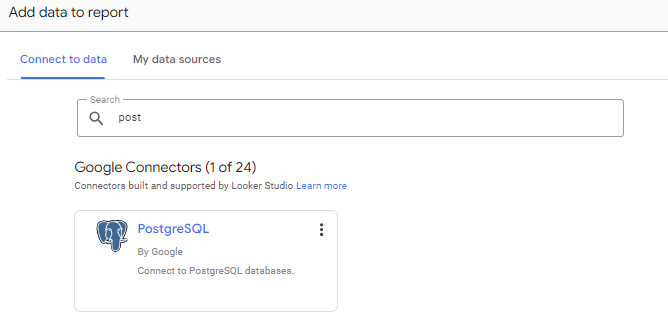
1. Create a new data source for a PostgreSQL database
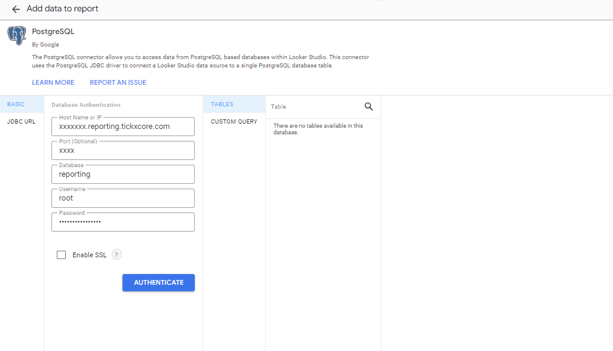
2. Enter your provided credentials, this will connect to your data source with 'no tables available'
3. select 'Custom Query' and enter 'Select * from reporting.orders' & select create connection