
This guide explains where copywriting or text appears throughout the TickX Flow booking journey and provides best-practice recommendations for what to include at each touchpoint. It covers time selection, experience descriptions, ticket benefits, advisory messaging, addons, addon groups, and customer opt-ins. The guide helps partners understand how to use these content areas to inform, reassure, and persuade customers without disrupting the purchase flow. It also outlines how to update copy through TickX onboarding or via the support team, ensuring that messaging remains accurate, helpful, and aligned with the overall experience.
Getting Started
With the TickX Flows there are multiple touchpoints where you can communicate to the customer about the experience or their ticket selection. This guide will take you through those touch points with recommendations on best practice on what to include.
Where does TickX include copy?
There are various places you can include specific copy.
- Time selection
- Experience selection
- Ticket descriptions
- Ticket selection overall
- Audience advisory
- Addons
- Add-on group descriptions
- Customer opt-ins
Although this cannot be updated within the TickX widget you may also want to think about including additional information on the 'buy tickets' page about the experience and throughout your website.
Please be aware this guide may be more relevant for clients with time slot entry, although the recommendations for addons, advisories and optins are relevant for all clients.
What copy do I need to provide for each section?
Time selection
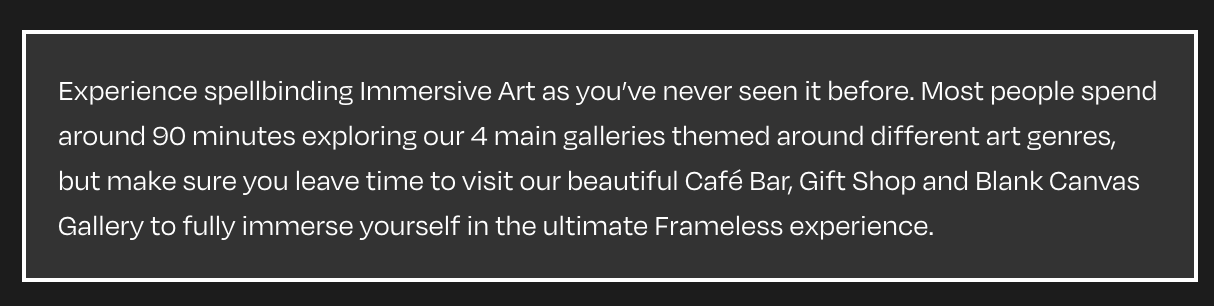
It is important that you provide information to your customers at key touchpoints so they do not leave the booking journey to look for this information across the website instead. At Time Selection, this is a great place to include information about the length of the experience, so customers can best plan their day.
Experience selection
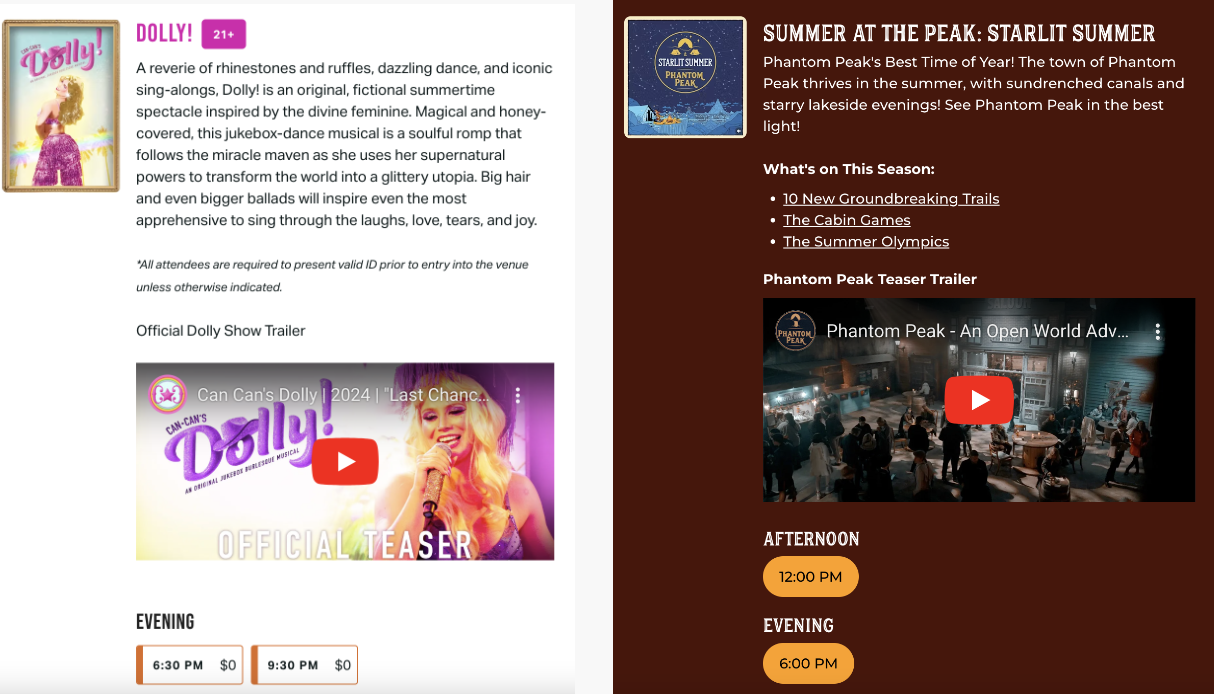
You may have multiple different experiences available, so you can also use the time slot selection to give customers more information about the experience. This should be fun and informative about the experience and what makes it stand out.
Ticket descriptions
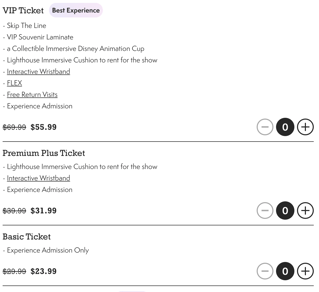
Ticket descriptions should always be included where possible. Clearly label the benefits using bullets or bold font where possible to make information quick and easy to digest. Think about what you are trying to achieve.
In the examples below you can see how the VIP ticket has so many more benefits stacked up to show the differential vs the basic ticket.
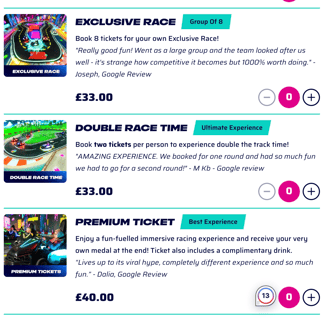
Alternatively, you could be playful and include enticing copy and even reviews to engage the user and encourage their conversion. You should also use ticket labels to convey key information and benefits. You can read more in our guide on labels here.
 .
. 
Ticket selection overall
You also have the opportunity to include additional information on the ticket selection step. This can be used to share essential information about the experience that you want customers to know before proceeding. Where possible keep text short but this is an opportunity for you to surface some essential know before you go information before the customer books.
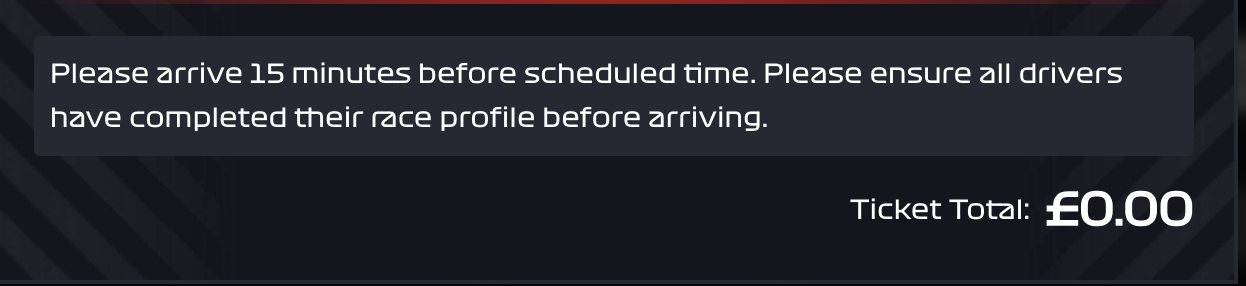
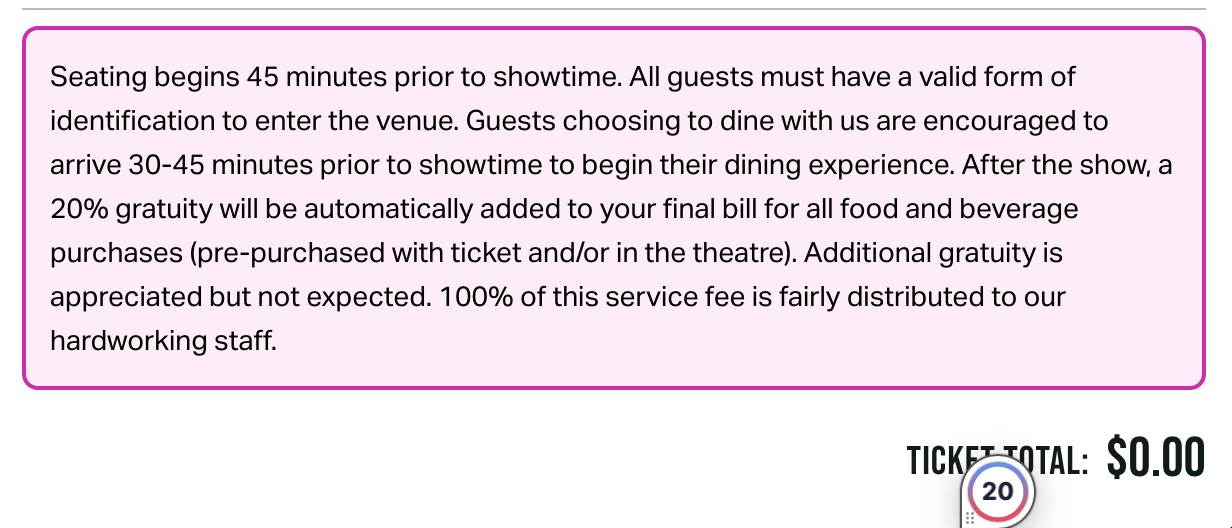
Audience advisory
We can surface audience advisory popups usually for reserved seating experiences to provide information about the venue / that specific performance. Text here should be kept short and informational.
Add-ons
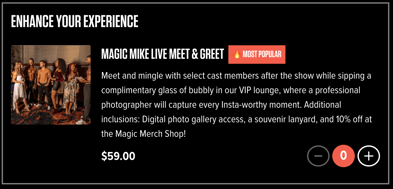
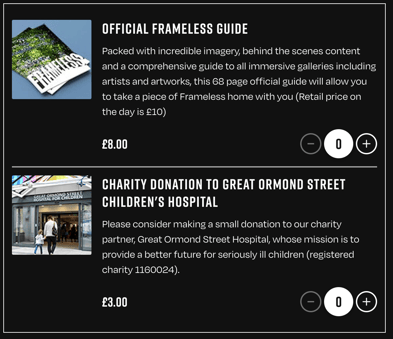
Add-on descriptions should detail what is included, keeping copy to the point but also enticing. In some instances it may be appropriate to include a longer description, but please consider breaking that down into bullet points. You can read more on best practice for add-ons here.
 .
. 
Add-on group descriptions
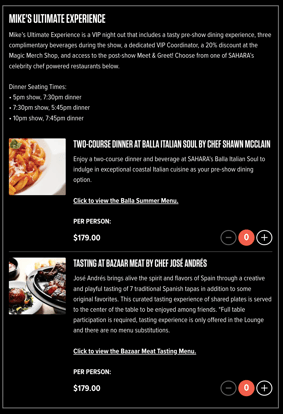
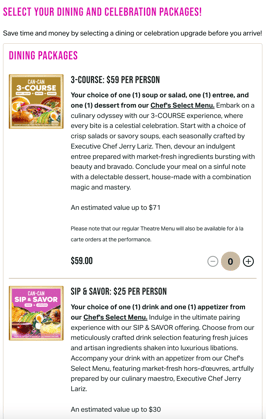
We can also group add-ons into different sections. This gives you the opportunity to include some additional copy about the add-ons included in that section.
For example, your VIP add-ons may include much of the same benefits, which can be called out in the add-on group description and use the add-on description to just detail the differences. Alternatively you could use the add-on group description to quickly introduce the offering below.
 .
. 
Customer opt-ins
TickX will reflect any marketing opt-ins that you currently have available with your ticketing system. However we can also add in any further opt-ins, for example to hear directly from the producer.
You can also use this check box step to get active consent from customers for elements such as confirmation of age, understanding of special terms, etc.
How do I update the copy on the TickX Flow?
As part of your onboarding your account manager will reach out to you for this copy, and build this into the customer journey. They will be able to recommend what will work best if you have any further questions.
For quick updates to your copy, or to add in a new section, email support@tickx.co.uk.