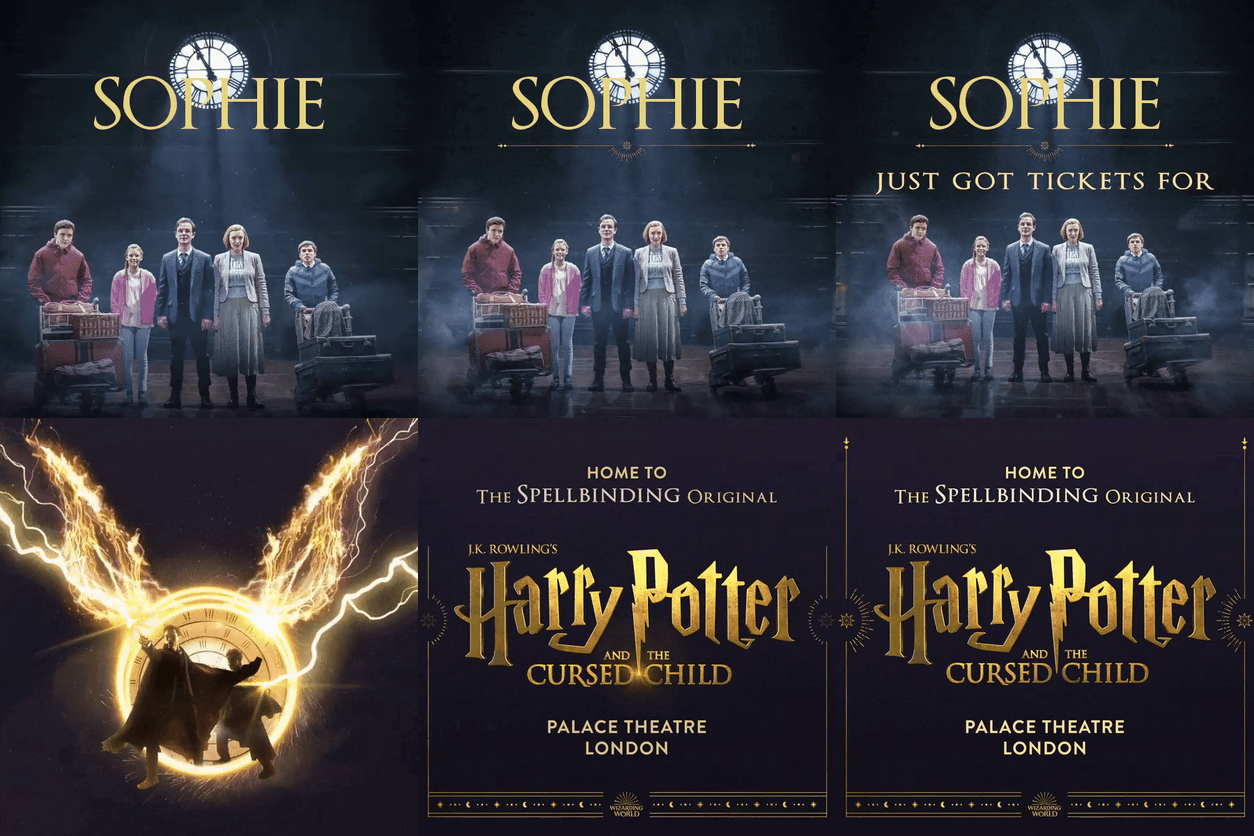
This guide explains where imagery is used throughout the TickX customer journey, including basket images, header logos, ticket and addon images, upgrade assets, experience imagery, checkout backgrounds, and post-purchase banners. It details image specifications, best-practice recommendations, and additional assets such as brand guidelines, seatmap imagery, stage images, and promotional videos.
Getting Started
With TickX you have the opportunity to include imagery and assets at various touch points of the customer journey. This helps to bring your experience to life, inform customers about what they are going to experience and help you to sell more tickets.
Where does TickX include imagery?
There are various places you can include imagery.
- Basket image: 300 x 200 px (3:2 Ratio)
- Header logo: 435 x 65 px (67:10 Ratio)
- Experience images: 480 x 270 px (16:9 Ratio)
- Ticket images: 480 x 270 px (16:9 Ratio)
- Upgrade images: 800 x 266 px (3:1 Ratio)
- Addon images: 480 x 270 px (16:9 Ratio)
- Checkout background image: 1920 x 1920 px (or taller)
There are also some additional assets you might be asked to provide. These include:
What images do I need to provide for each section?
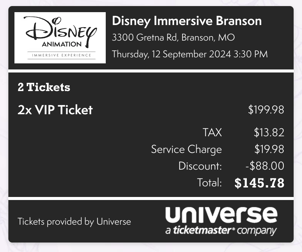
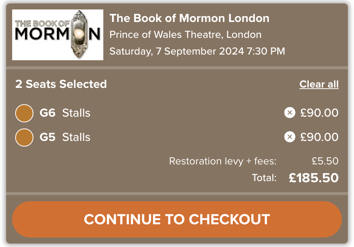
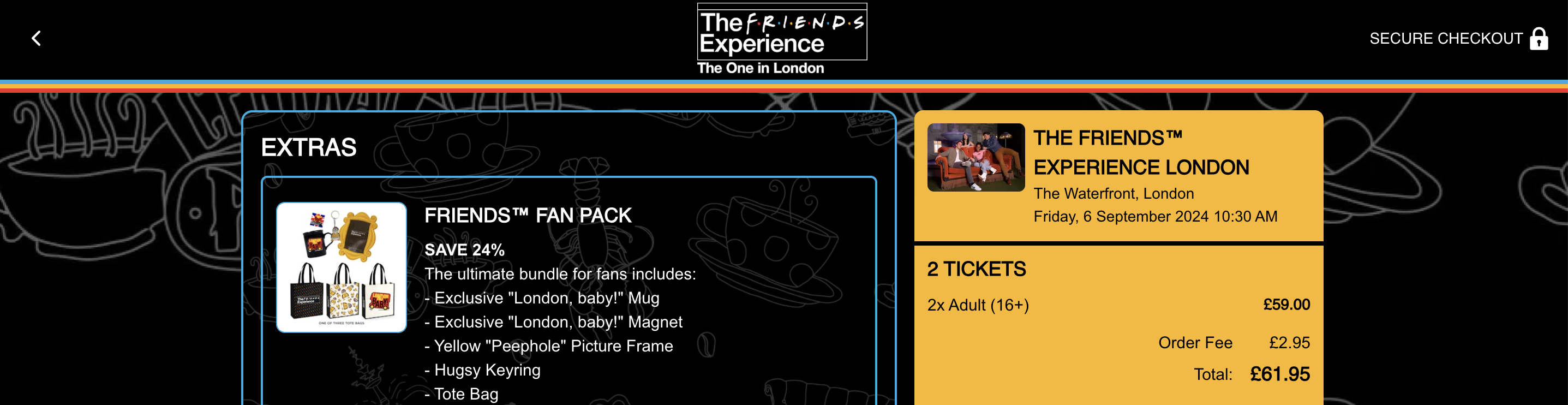
Basket image: 300 x 200 px (3:2 Ratio)
Your basket image is the consistent image that will appear in the basket throughout the journey. It helps centre the experience for the customer and showcase your key artwork.
You should ensure that all text is legible. However, also consider that this will be positioned next to your experience name in checkout so a simple logo may look repetitive. Your onboarding team will be able to advise if you are unsure.
Please see below for some examples.
Header logo: 435 x 65 px (67:10 Ratio)
Your header logo should be your experience logo ideally provided in simple colours. This appears from the seatmap / checkout when the TickX widget becomes full screen to avoid customers clicking off to other parts of the website.
Note: while the guidance is 435 x 65 px for this logo sizes may vary.
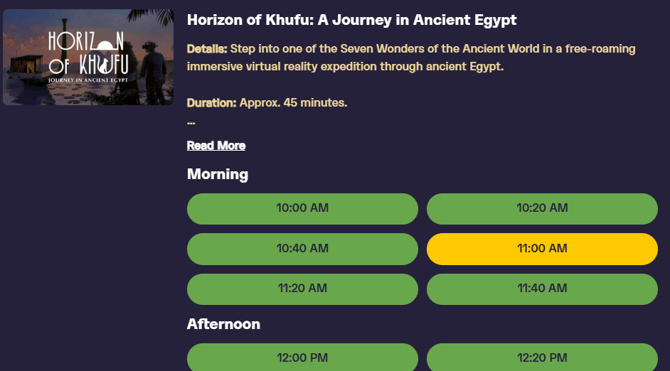
Experience images: 480 x 270 px (16:9 Ratio)
For our Timed Entry clients you may have more than one experience surfaced as part of the same booking journey. You can include an image to bring to life the specific experience which will be included on the time selection step. This image should ideally be of the experience and be inviting to the customer.
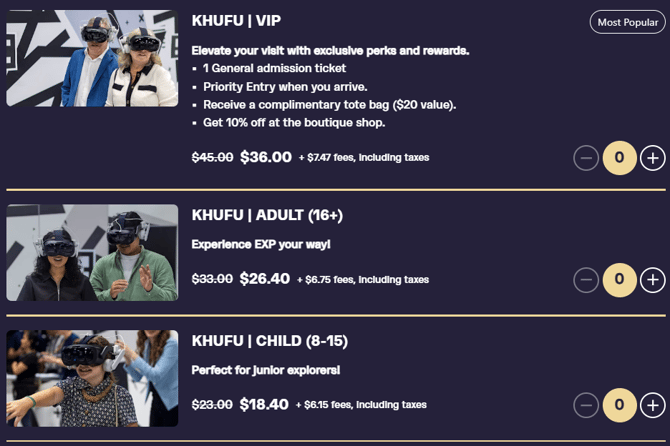
Ticket images: 480 x 270 px (16:9 Ratio)
Bring to life the experience at the Ticket Selection step with imagery from inside the experience. Try to include different imagery for each ticket type, with relevant images where possible: i.e. for Children's tickets have an image of children enjoying the experience.
Remember customers may not be sure exactly what to expect so using each step to re-sell the experience and create that fear of missing out is important.
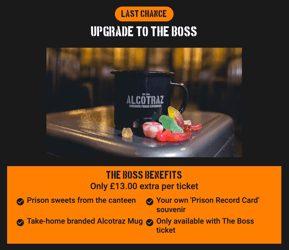
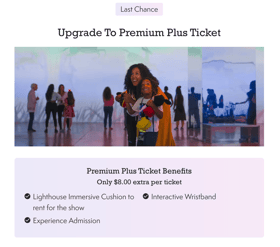
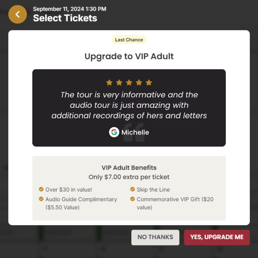
Upgrade images: 800 x 266 px (3:1 Ratio)
TickX offers our unique ticket upgrade prompt to give customers one last chance to buy into the premium offering. You can read more about managing upgrades here.
Your image could showcase the upgrade offering, include imagery of customers enjoying the VIP experience, or even include a quote from customers who had a great time!
 .
. 
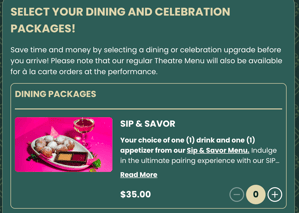
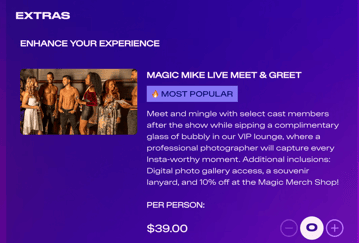
Addon images: 480 x 270 px (16:9 Ratio)
This is the chance to really show customers what they are getting as part of their merch, F&B or VIP bundle offering so it's important to include clear and enticing imagery at this step.
You can read more about best practice for add-ons here.
 .
. 
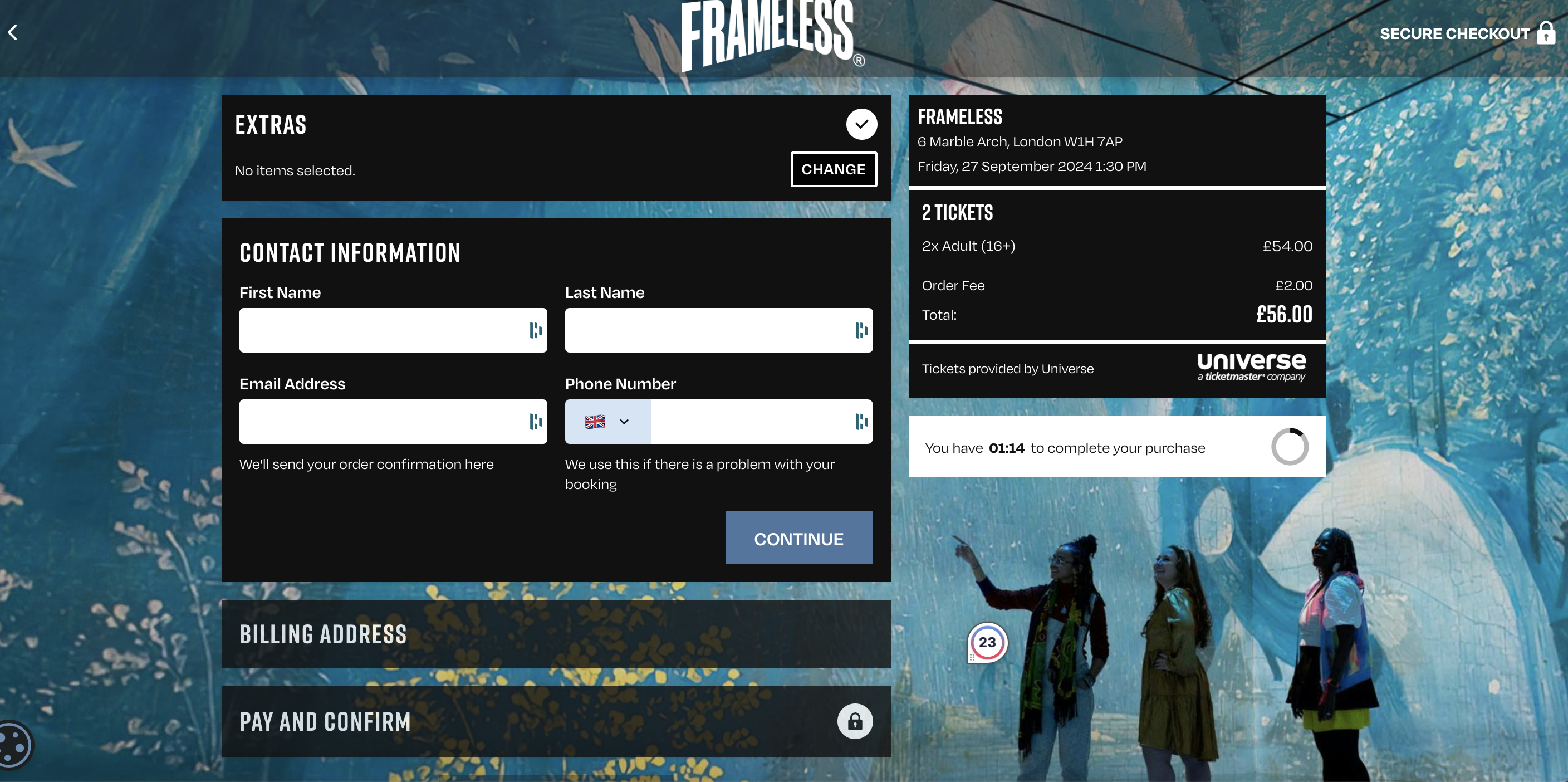
Checkout background image: 1920 x 1920 px (or taller)
Our designers will create a fully branded purchase experience, but they may request, or you may wish to provide a background image to appear in checkout. This could be a repeating motif or assets you have in your brand guidelines, or it could be an image of the actual experience. Alternatively it might be appropriate to leave it a block colour or gradient.
Bear in mind this will sit behind the checkout components and will be cropped depending on the device used. You should also be sensitive to the overall brand colours used for other aspects of the purchase journey so that the experience feels cohesive.
Our design team and your account manager can provide guidance and feedback if necessary.
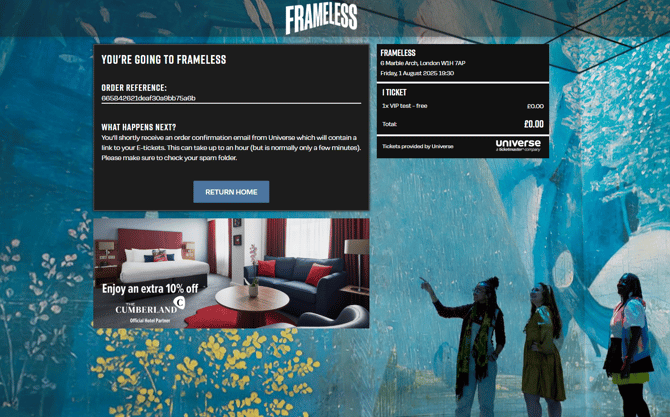
Post purchase cross-sell banner - 2 options available
860 x 484 px (16:9 Ratio) or 1000 x 400px (5:2 Ratio)
TickX gives you the chance to add a banner on the order confirmation page. This can promote and link customers to a sister experience, partner restaurant, merch shop or promotional partner.
Our team can add separate mobile and desktop images if this helps with information layout. We'd recommend using the 16:9 Ratio as this works the best for mobile displays.
You can read more about post purchase banners here.
Additional imagery / assets
Depending on your experience we may also request some additional assets to support our team in creating your immersive booking experience.
Brand guidelines
We may request you share any brand guidelines including key artwork, fonts and colour palettes. This is especially important if you are hosting a brand new event, without publically available brand collateral.
Seatmap imagery
If your experience has a seatmap that is non-traditional (i.e. cabaret, table seating, in the round venue) we may create a seatmap graphic to sit dynamically behind our seatmaps. To do this it is helpful for our team to be provided with any imagery from within the venue.
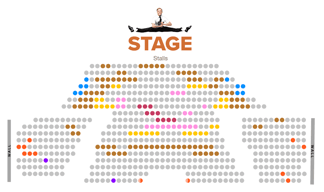
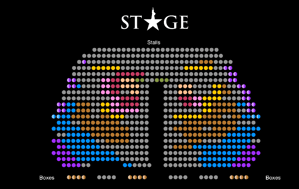
Stage images
As part of our designs we will create a stage image, to bring to life the seatmap for customers. Our designers will create this asset but they may reach out for additional guidance if necessary.
 .
. 
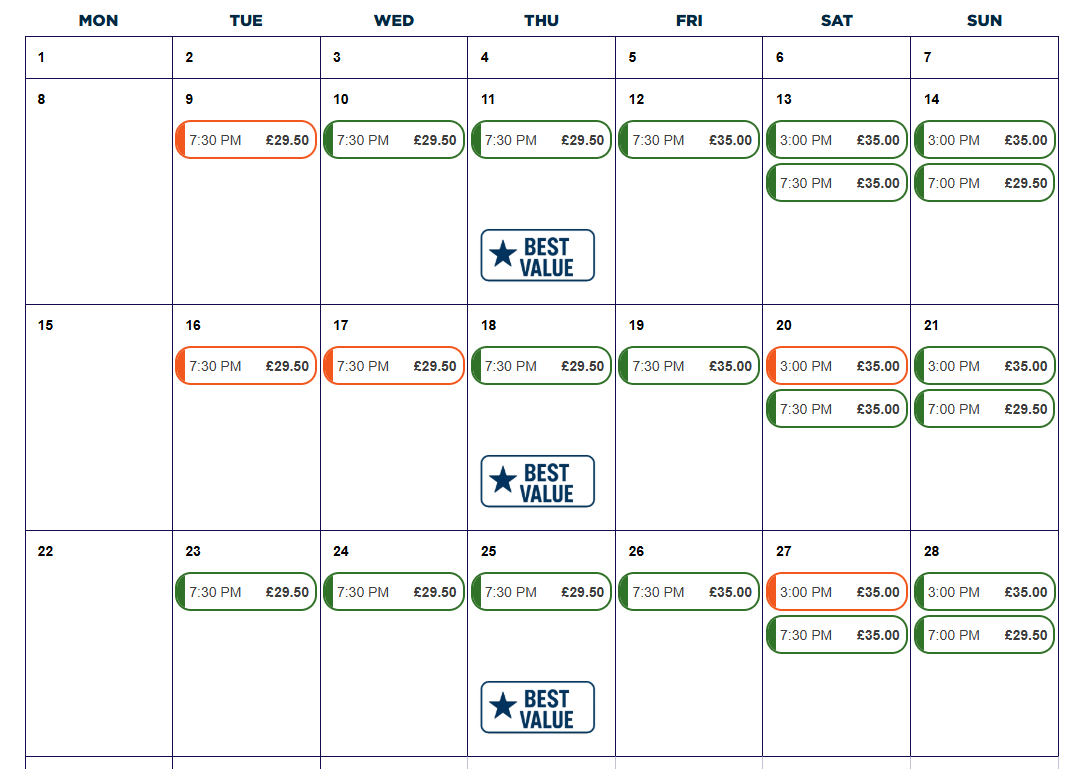
Calendar Badges
You may consider highlighting key performances to display when a date has best pricing, a special event or an access performance. You can do this by including a calendar badge, which can be supported as an image or text on desktop devices or just text on mobile. If you would like to supply an image, we recommend 1080(w) x 270(h) px. Supply the preferred copy and/or image with the dates it needs to display on to your account manager who will enable it on your calendar.
Post purchase video
You may wish to include a personalised video post purchase that customers can download and share to build up a buzz about the experience. You can find out more about how to create this video here.