
This guide explains how to use TickX IQ to create a Post Visit Feedback Survey Flow that captures meaningful insights from visitors after their experience. It covers how surveys are built within the Survey Flows section, how to trigger them via a dedicated URL, and how to automate distribution through CRM integrations. The guide outlines best practices—such as sending within 24 hours and offering incentives—to maximise completion rates. It also explains how to review feedback in the Signups & Surveys dashboard and how to build targeted audiences based on survey responses, enabling smarter CRM segmentation and repeat-booking marketing strategies.
Getting Started with Feedback Surveys
TickX can help you ensure that you are providing an unforgettable customer experience by creating a Post Visit Feedback Survey Flow.
This is an extremely powerful feature which allows you to ask important and targeted questions to your visitors to gather their valuable feedback.
The survey flow which is created in the TickX IQ dashboard (Ecommerce > Survey Flows) can be triggered easily via a URL which your Account Manager can help set up for you. This link can then be included in a post visit email campaign, which we would recommend to be sent within 24 hours of their visit.
You can find out more about setting up Signups and Surveys here.
You can find out more about setting up CRM triggers to power your post purchase visit email here.
- This email can be triggered automatically via our Integrations Hub if your CRM account is connected to the TickX IQ dashboard.
Top Tip:
For maximum completion rates we recommend that you offer an incentive for people to complete the survey, this could be a pair of tickets to return to the experience or a gift voucher to your experience or 3rd party website.
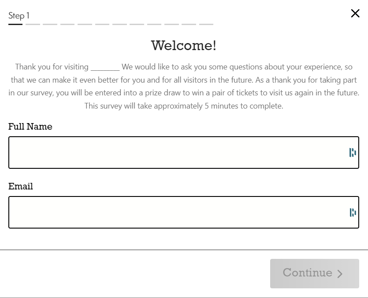
Personalised Greeting & Data Capture
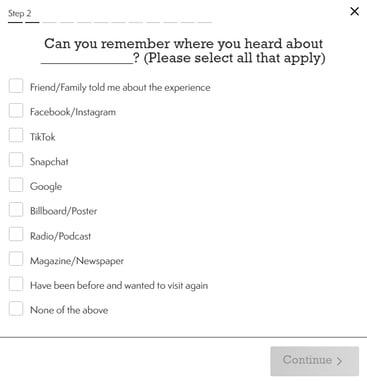
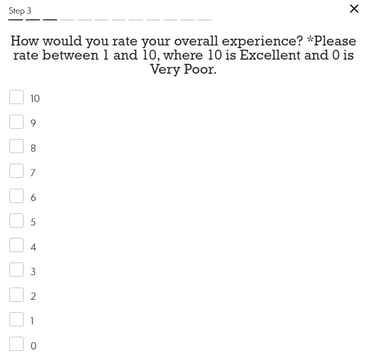
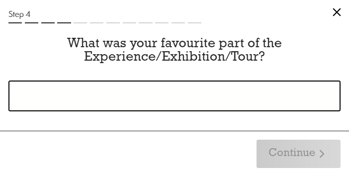
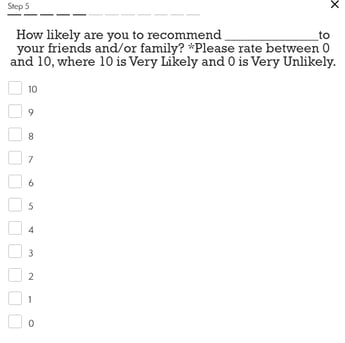
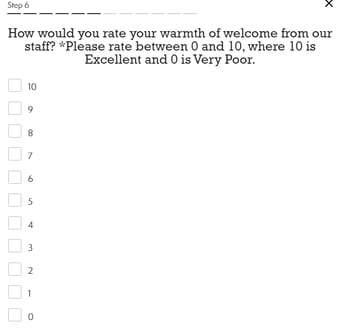
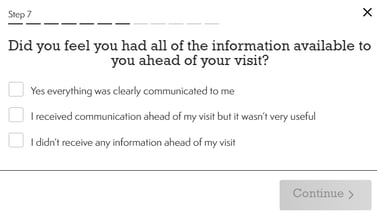
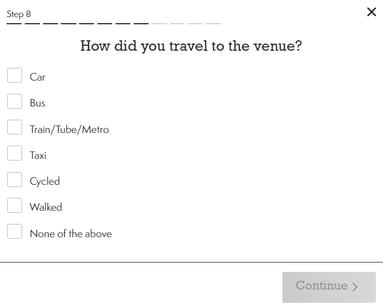
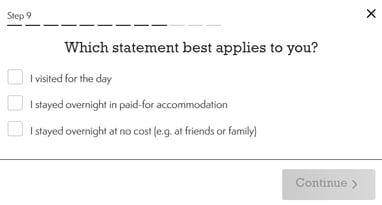
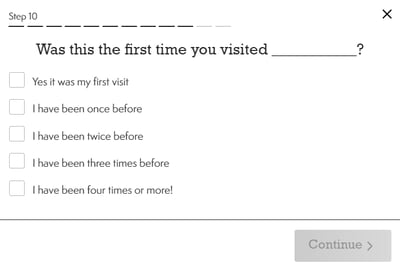
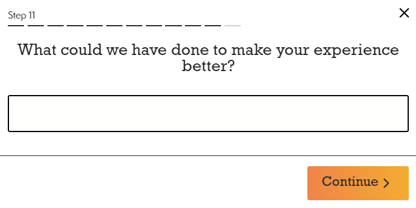
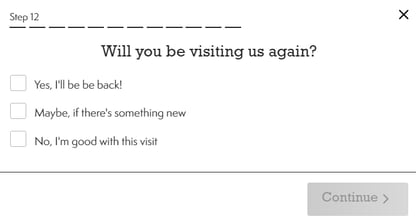
Example Questions:
Reviewing Your Feedback
Once your survey is created you can continuously track responses and the feedback via the Signups & Surveys section of the TickX IQ dashboard and a full export of this data is also available to you.

Building Targeted Audiences Based On Survey Response
Via the TickX IQ Dashboard audience builder you have the ability to created tailored audiences based on survey responses.
Example Scenario:
You would like to create an audience group of contacts which have expressed interest in returning to the experience to target repeat bookers.
In your post visit feedback survey you asked:
Will you be visiting us again?
- Yes, I’ll be back!
- Maybe, if there is something new
- No, I’m good with this visit
Via the audience builder you can create an audience group of contacts which selected 'Yes, I'll be back!' or 'Maybe, if there is something new' and you can then export this data (of opted in contacts) to your CRM for future email communication.