
This guide explains how to embed the TickX widget on your website and outlines best-practice placement strategies used by TickX partners. You’ll learn where to position the widget, such as on a dedicated tickets page, home page, or within segmented purchase flows to improve visibility, simplify customer journeys, and boost conversion rates. The guide also covers how partners use purchase flows, homepage links, and tailored messaging to direct customers to the most relevant booking paths and overcome sales challenges like mid-week demand or advance bookings.
Getting Started
There is no one right answer to where best to embed your widget as it will vary depending on the complexity of your website and how much you want to utilise TickX Flows, but we've outlined some of the ways our partners have achieved this below.
For guidance on how to embed your widget please see our guide here.
On a dedicated tickets page
This is the way that the majority of our partners embed the TickX widget.
Simply create a dedicated tickets page under /tickets or /book-tickets or similar.
You should have a clear call to action from your home page and also your navigation bar directing customers to this page.
You can keep this page very simple with just the calendar or add a small amount of information above or alongside it.
We would suggest that some key information about the event such as running time, intervals, location etc is ideal but to keep short enough to avoid pushing the calendar below the fold. Remember to also test this on mobile.
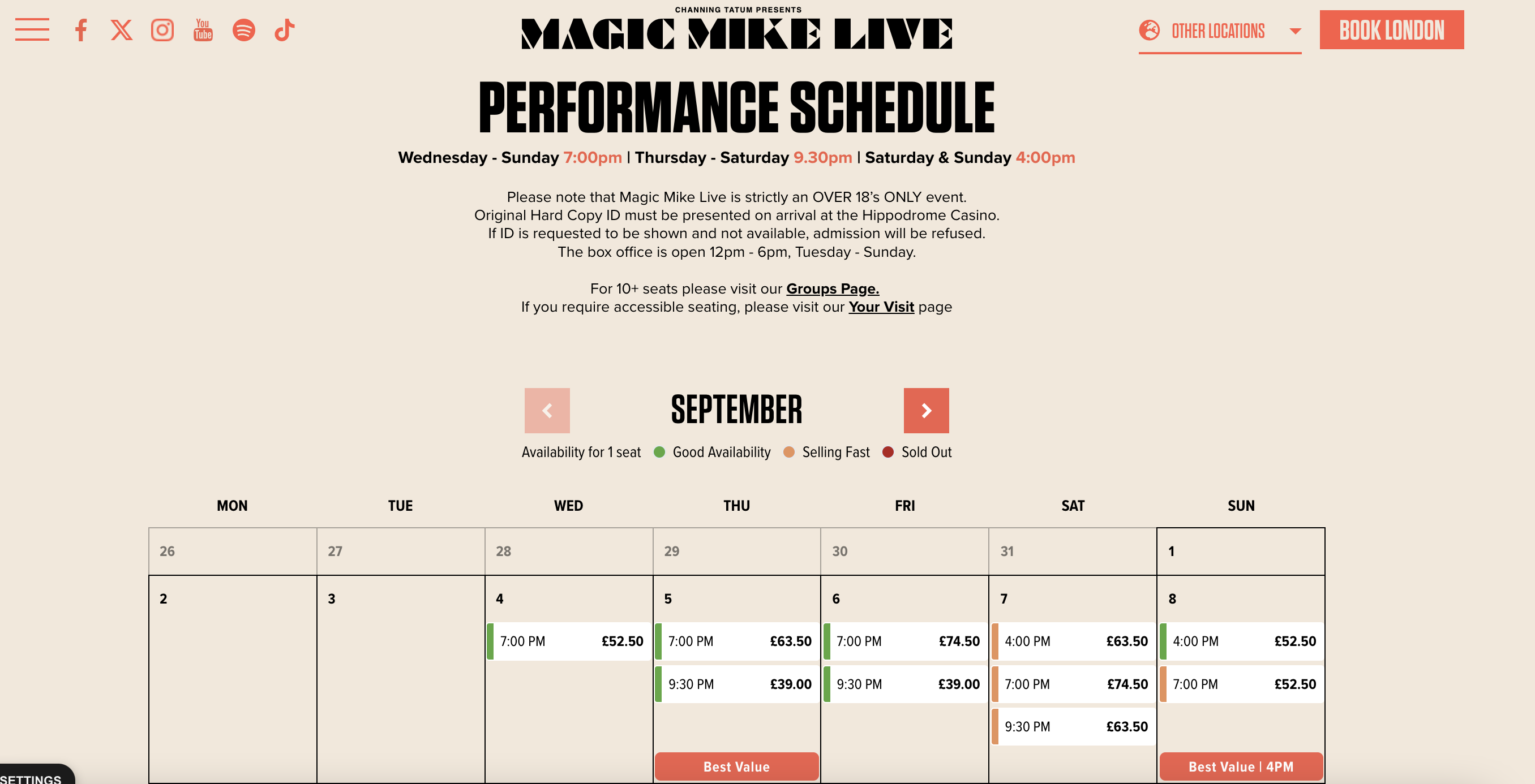
You can see some examples of partners Magic Mike Live London, Frameless and Harry Potter and the Cursed Child who have done this here:
On the home page
For some of our partners who have a simple website, and want to take customers directly to purchase embedding directly to the home page is a good option.
The disadvantage of this is it means that the booking journey can fall below the fold, so we would still recommend a clear call to action to book, which takes the customer to that part of the page. It can also be useful to still have a dedicated tickets landing page to generate purchase flows.
Using purchase flows
Purchase flows are unique URLs which provide customers with a bespoke journey which can be tailored how you want. You can segment these to only show certain dates, times, prices or even automatically apply a discount. You can find our guide on setting these up here.
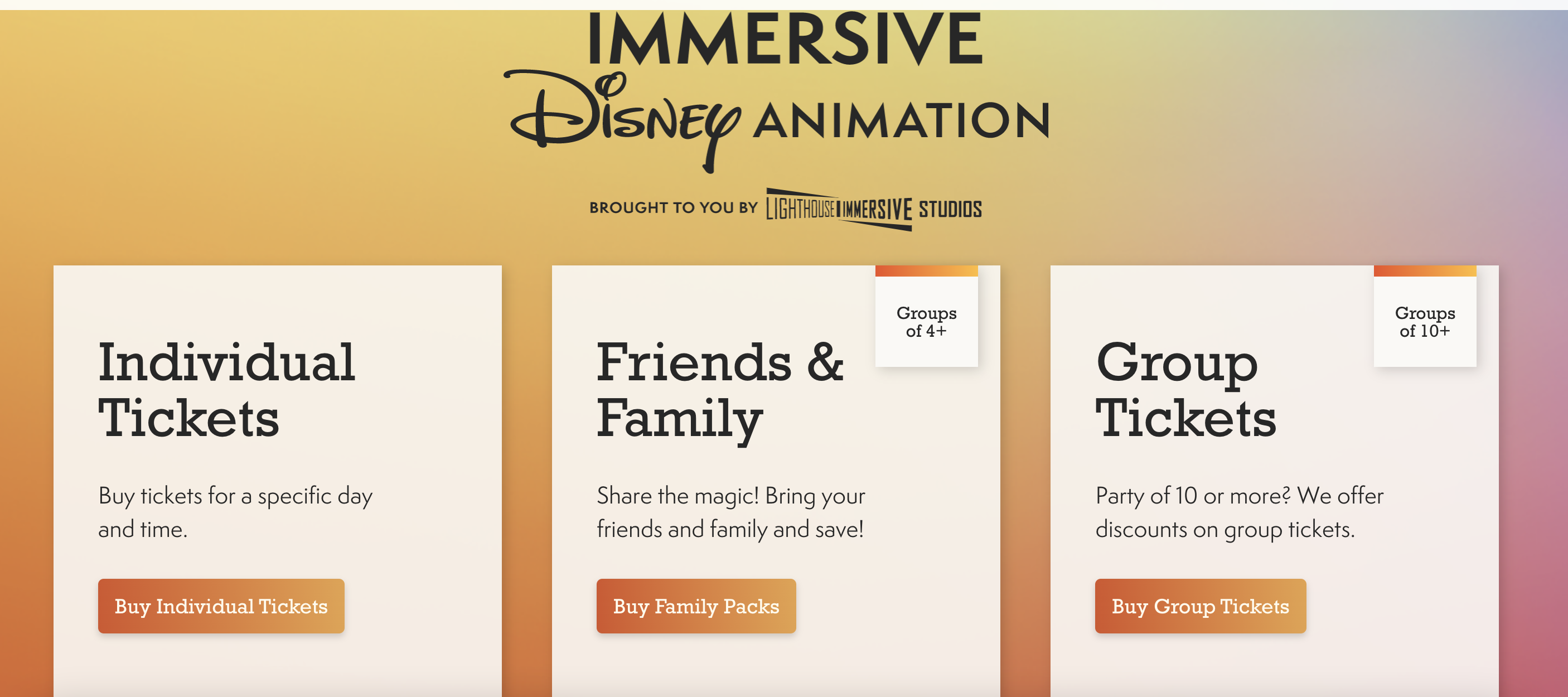
You can use purchase flows on your website to encourage your customers into particular purchase paths. These often convert better than a generic 'All tickets' view as the customer has already made a decision about what type of tickets they want. It can also be a way to market difficult to sell inventory such as mid-week slots, advance sales or group tickets. You can see that Immersive Disney do this here:
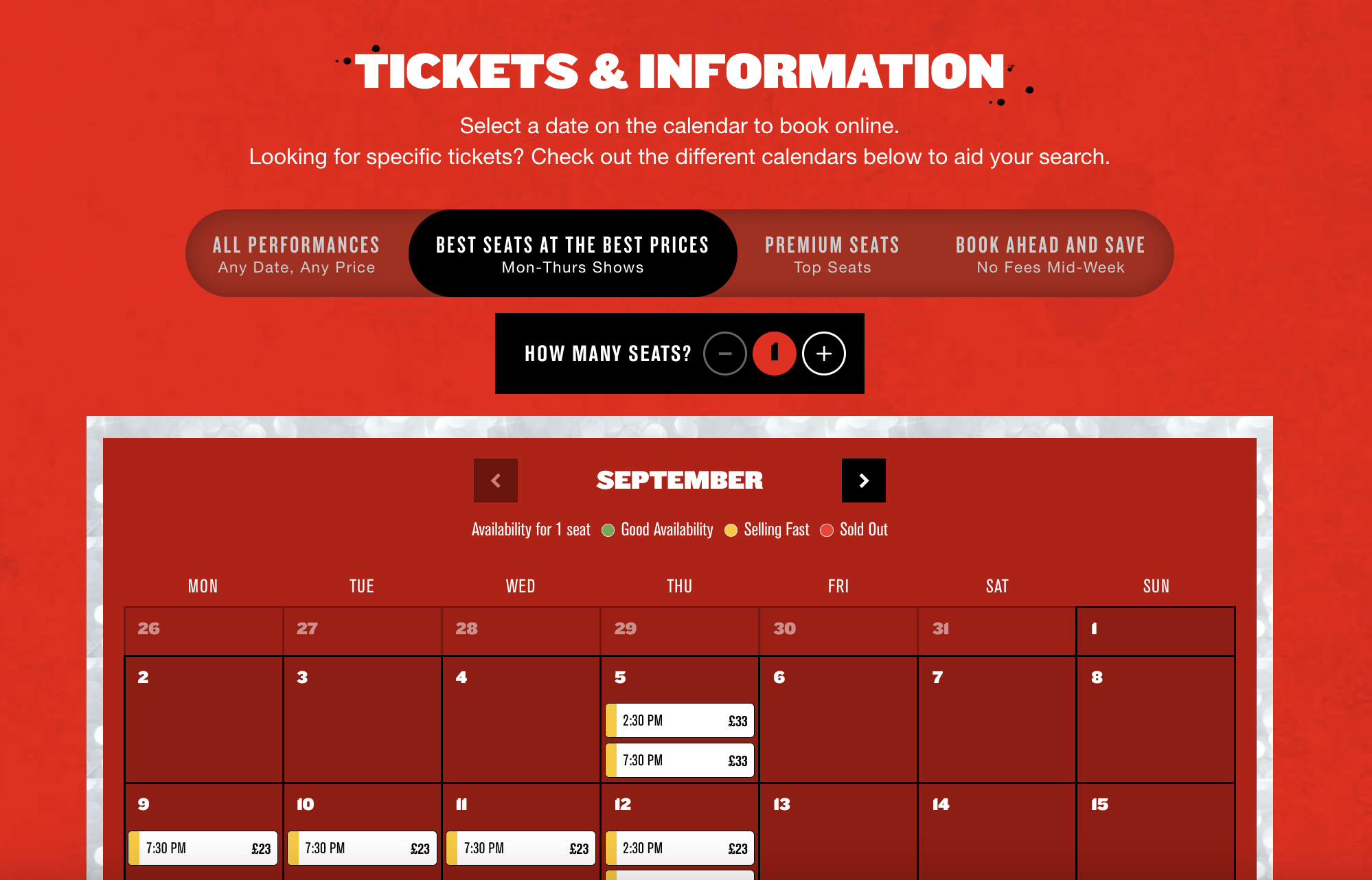
In the example below you can see that the purchase flow links have been added above the calendar in an ingenious slider format which lets customers tab between the different views.
Linking from your home page
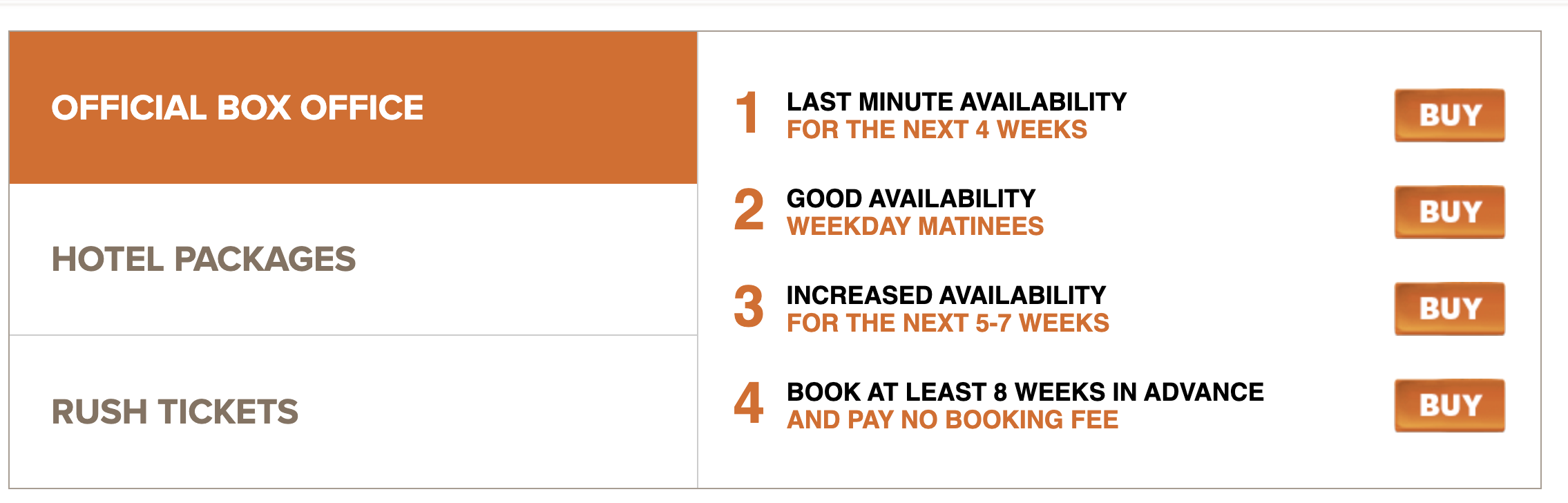
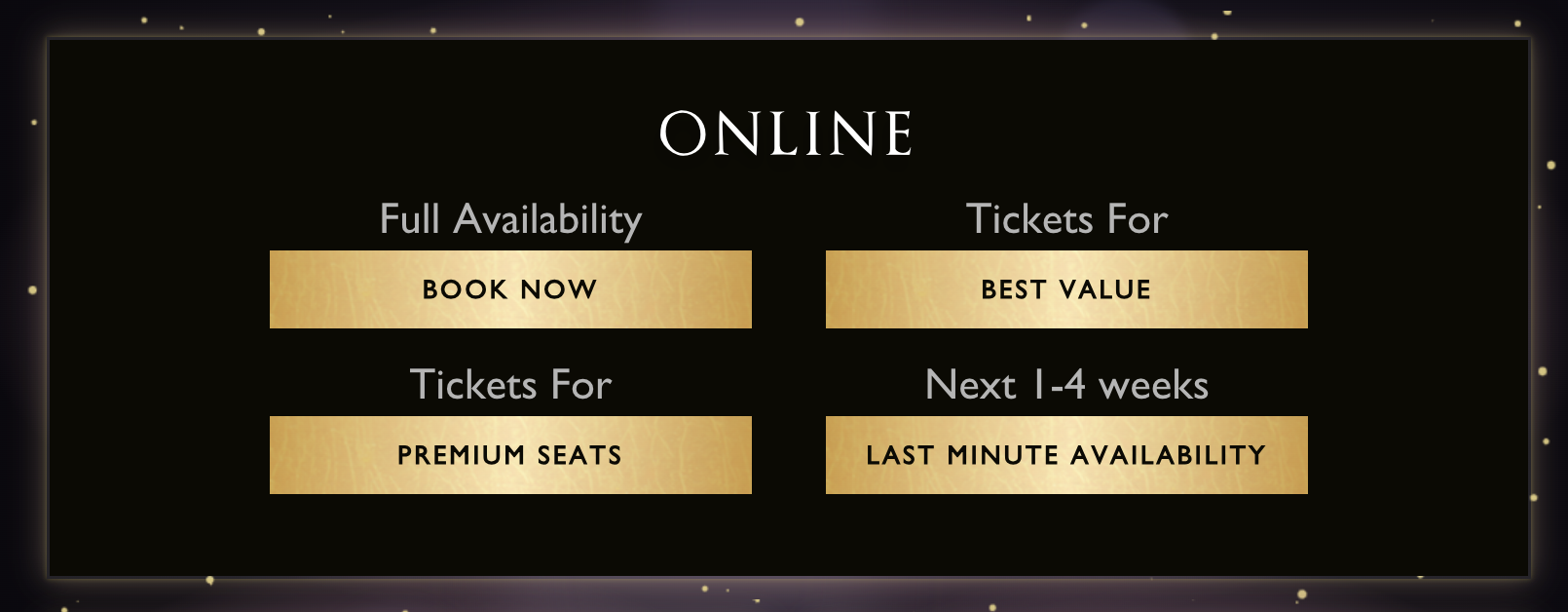
Lots of our partners give the customer these choices up front directly from the home page. The Book of Mormon successfully signposts customers to four different purchase options including built in savings on booking fees when you book ahead.
Harry Potter and the Cursed Child use a separate Ticket Information page where they include different options to purchase giving customers the option to get either the Best Value or Premium seats up front.
You can swap and change the messaging depending on any particular sales challenges you have, such as building your advance, or helping shift last minute tickets.
Purchase flows can be generated very easily using our purchase flow builder and this generates a URL with a unique short code at the end. You can even create a branded QR code to link to your unique purchase flows.
As always your Account Manager will be able to share with you relevant examples and help provide guidance on the best placement across your website.